
- Articles
-
Products
 ProductseSignature Send, sign, and track documents
 - Pricing
-
Help
WESIGNDOC makes it easy to prepare now and deliver later — automate document delivery with the Scheduled Send feature.
WESIGNDOC gives you the flexibility to prepare documents in advance and have them delivered automatically at the perfect time. With the Scheduled Send feature, you can set an envelope to be sent on a specific future date and time—ensuring your documents reach recipients exactly when needed, without requiring you to log in again or manually press send.
This feature is ideal for businesses that rely on timely communication, follow-up accuracy, and consistent workflow planning.
Scheduled sending is helpful in many situations where timing matters. Here are five short, unique examples:
Sending onboarding documents first thing the next morning after preparing them late at night.
Delivering renewal reminders on a future scheduled date.
Sending event materials precisely when registration begins.
Delivering policy updates at the start of the business day.
Sending appointment-related documents a few hours prior to a client’s visit.
These use cases help you stay organized and ensure your documents reach recipients at the right moment.
Any envelope you schedule will appear in your Scheduled folder, where its status will show as Scheduled, confirming it’s set for future delivery.
WESIGNDOC allows you to schedule envelopes up to 30 days in advance, helping you automate reminders, follow-ups, and future tasks effortlessly.
Prepare Your Envelope
Prepare your envelope by uploading your document(s), adding your recipients, and inserting all required fields such as signatures, initials, and dates.
Go to the Finish & Send Page
Once the envelope is complete, proceed to the Finish & Send page where final sending options are available.
Choose “Send Later”
Click the dropdown arrow next to the SEND button and select Send Later to access the scheduling options.

Set Date & Time
Choose the exact future date and time when you want the envelope to be sent, then confirm by selecting SEND LATER.

Check Your Time Zone
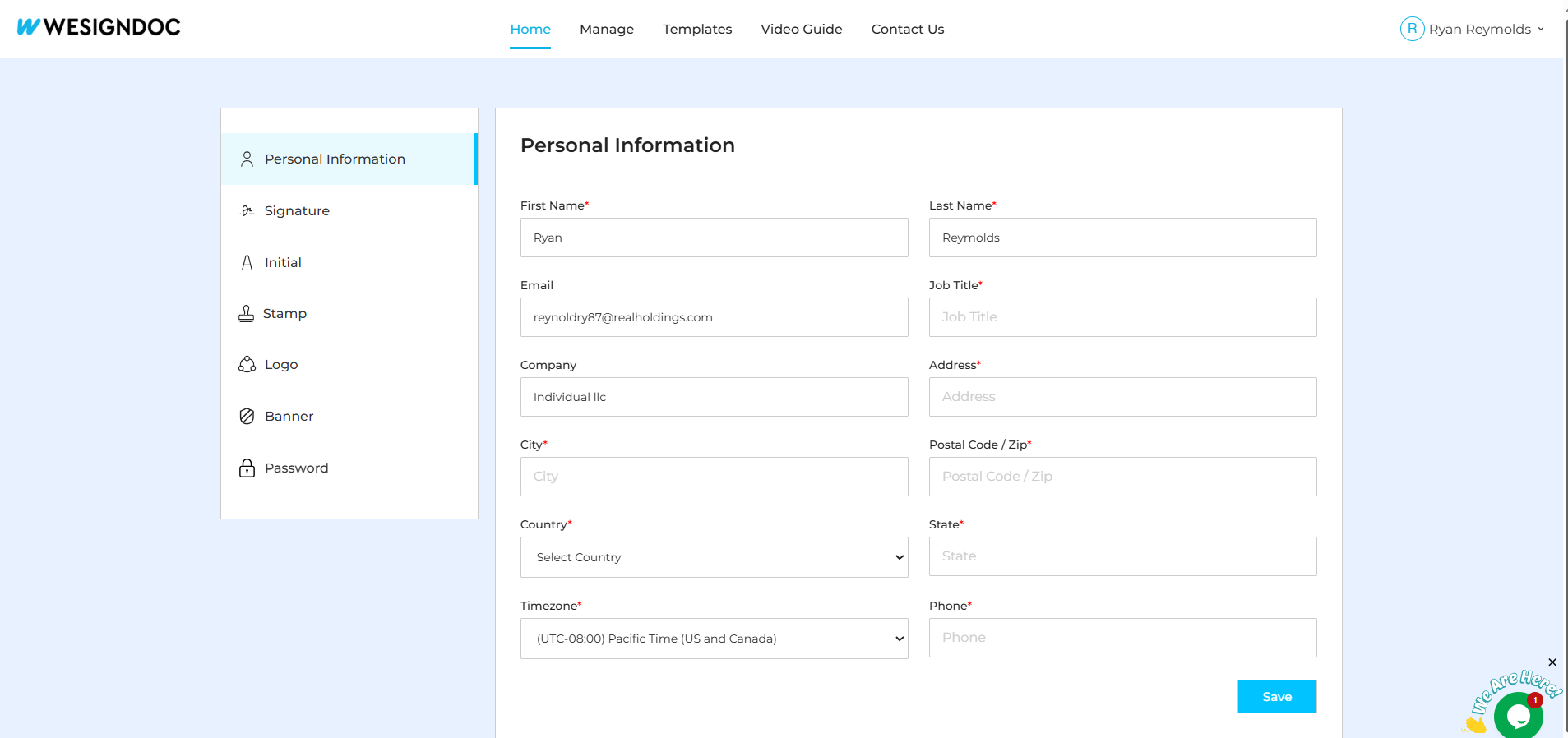
The scheduled send time follows the time zone set in your WESIGNDOC account profile, so ensure your profile reflects the correct region.
Using scheduled sending allows you to:
Automate routine communication
Improve document timing and response rates
Avoid sending important documents at inconvenient moments
Reduce manual repetitive work
Stay organized and maintain workflow consistency
This feature is especially useful for teams in real estate, HR, insurance, finance, healthcare, legal services, and any business that benefits from precise document timing.
The Scheduled Send feature in WESIGNDOC helps you automate document delivery so your recipients receive materials at the ideal moment — improving timing, response rates, and overall workflow efficiency.
👉 Explore the feature now on WeSign Doc and start sending documents exactly when you want them.

Start  WESIGN DOC today. Take a look and see which plan is right for
you!
WESIGN DOC today. Take a look and see which plan is right for
you!
