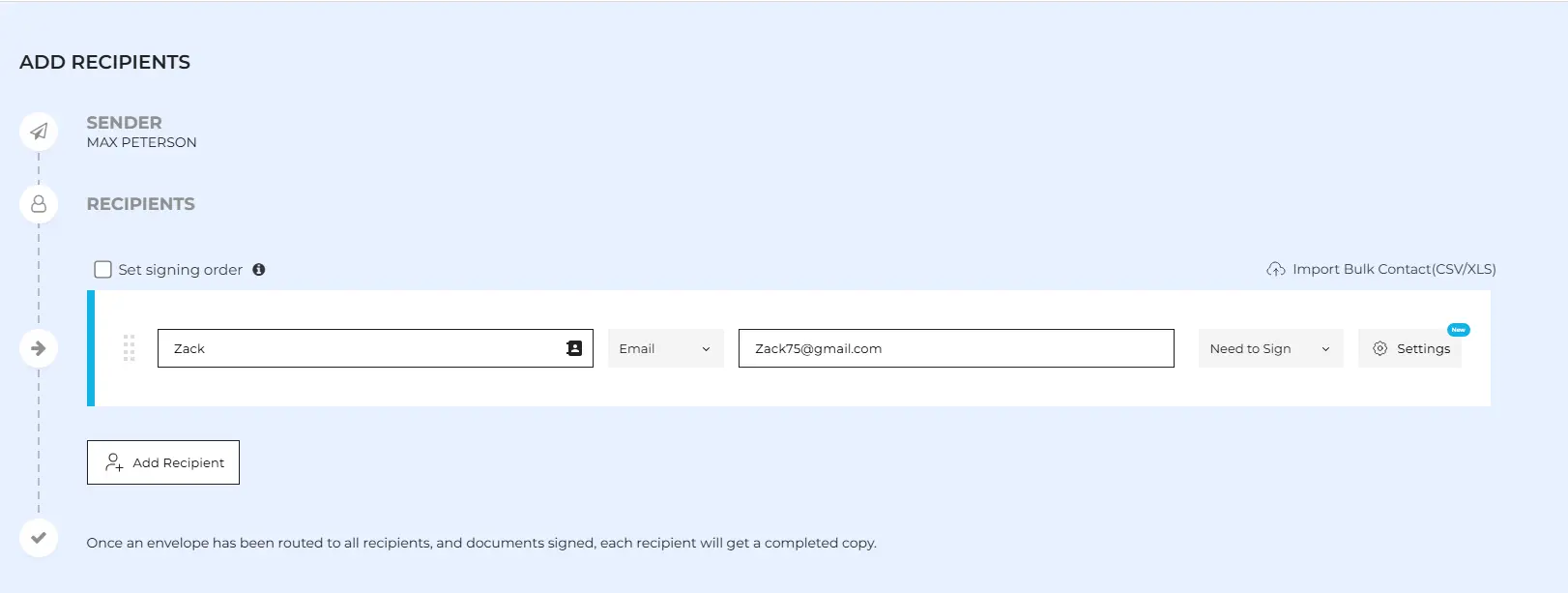
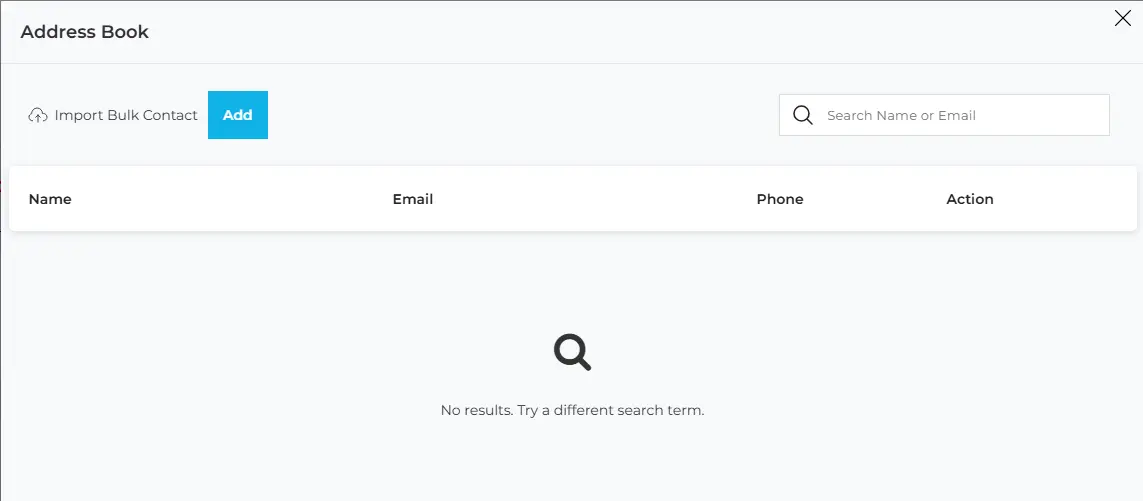
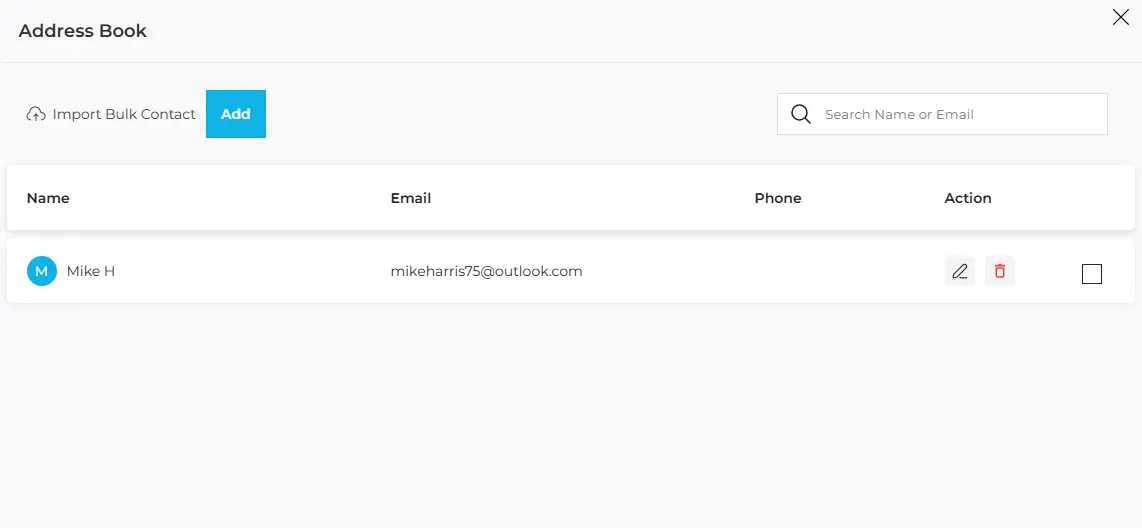
The Manage Contacts feature in WESIGNDOC helps you save, organize, and reuse signer information so sending documents becomes faster and more efficient. With the built-in Address Book, you don’t need to enter recipient details repeatedly every time you prepare an envelope.
What Is the Address Book?
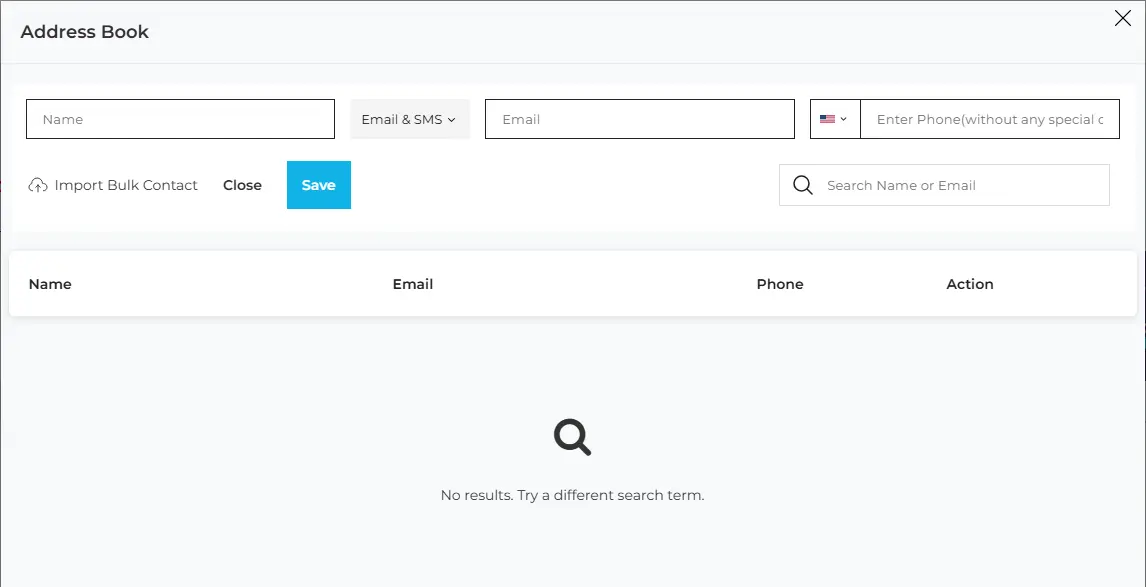
The WESIGNDOC Address Book is a centralized contact list that contains signer details and active users associated with your account. Once a contact is saved, it can be quickly selected when sending new documents. The Address Book stores signer names, email addresses, and optional mobile numbers, allowing you to send documents easily via email or SMS whenever required.

 Products
 eSignature Send, sign, and track documents
 Mobile App Sign, send, and manage documents from anywhere
 Smart Document Templates Build, reuse, and standardize documents
 Mass Document Sending (Bulk Send) Send forms to thousands in one go
 Web Forms Share links to collect signed forms
 Secure SMS Delivery Send sign links directly via SMS
 Robust API Integration Automate sending and tracking flows
 Developer SDK Toolkits Add eSign features to any product